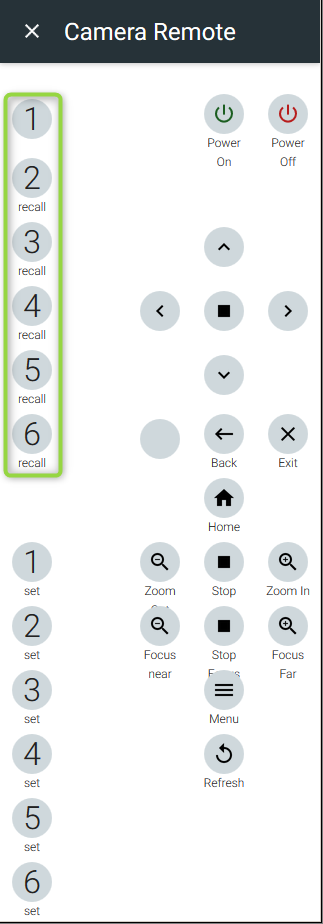
Web GUI preset Management
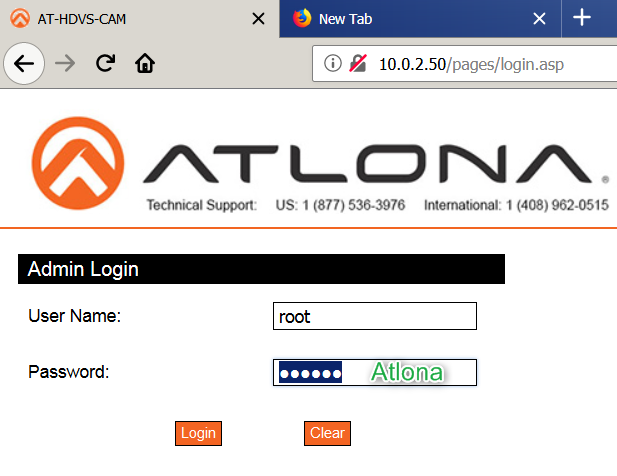
1. Login to the cam from a web browser
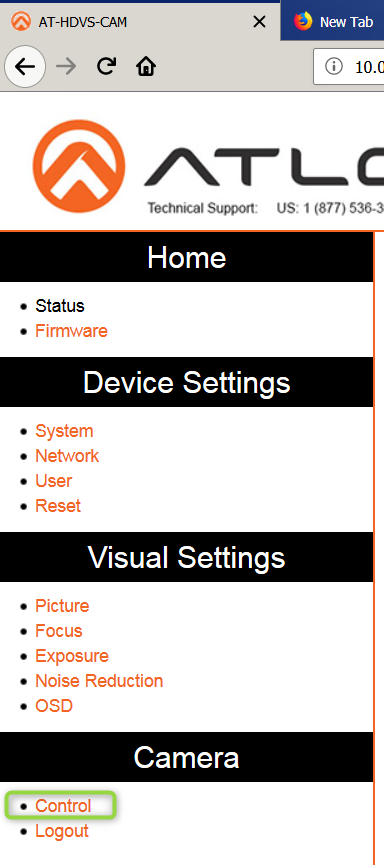
2. Click on the control tab
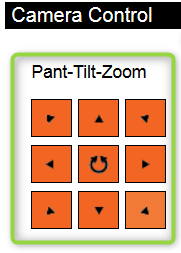
3. Make adjustments for preset desired
4. Click "Set" while on the desired preset number ("0" is considered Home) Use values > 0 for recalling presets in Velocity later on
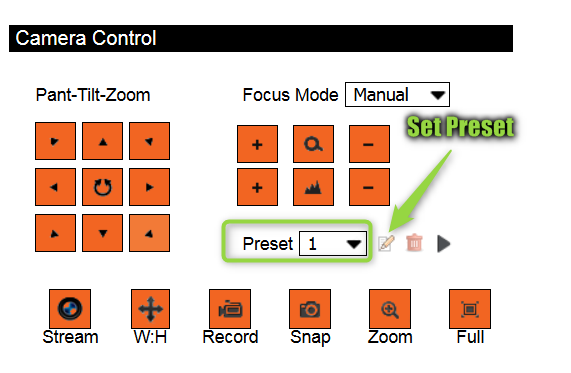
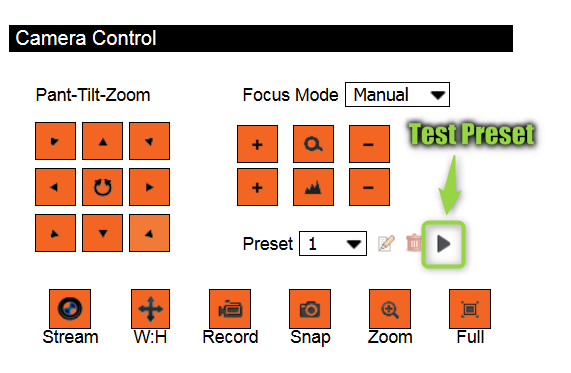
5. Test your Preset to verify it works (It is best to have (2) presets saved so you can verify cam movement between them)
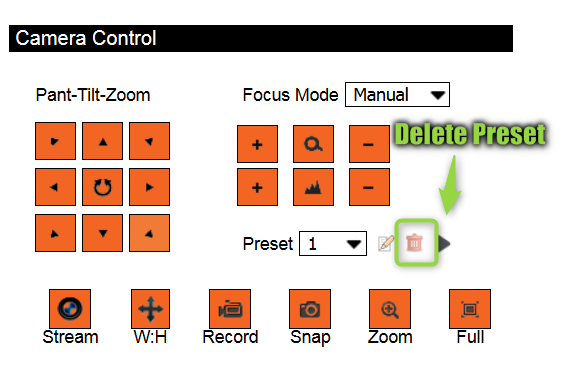
6. Delete your preset if needed or choose the position desired and click "set" to override current preset
Velocity Preset Management
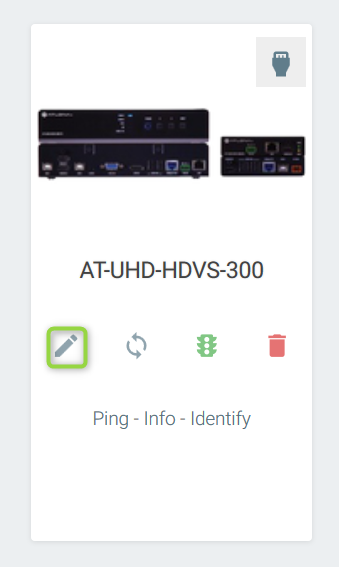
1. Click on the eye icon to make the cam remote available on the touch panel
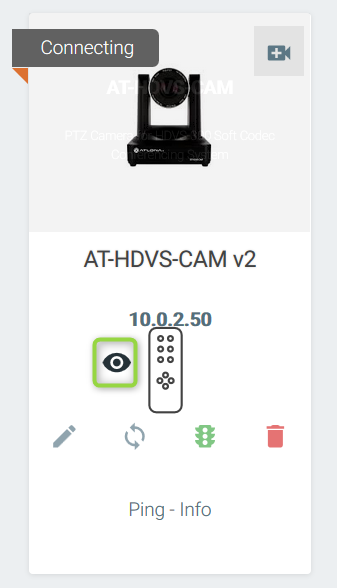
2. Make the cam visible on the touch panel
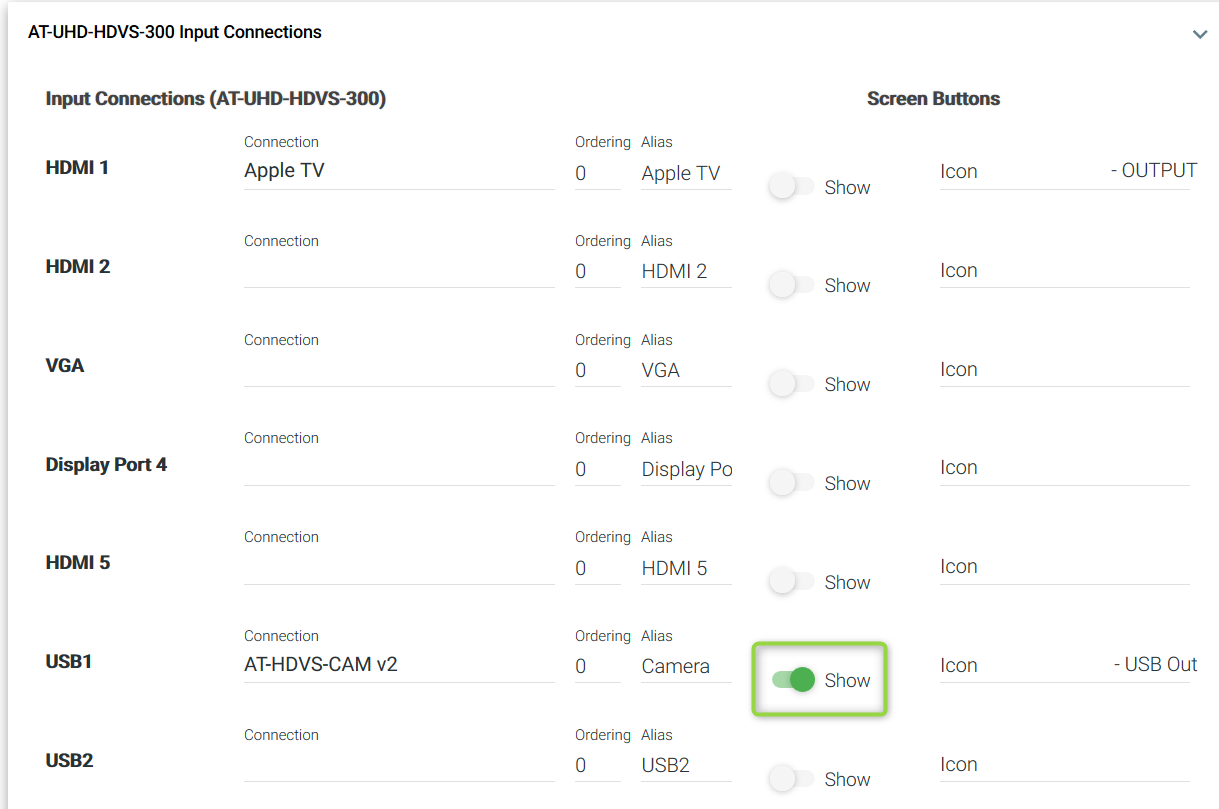
3. Make the HDVS-CAM Visible on the touch panel by clicking the "Show" icon. Make sure to save changes for them to take affect
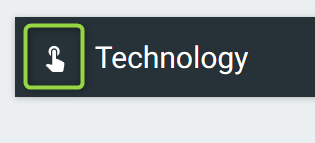
4. Click on the the "Technology" to get to the room
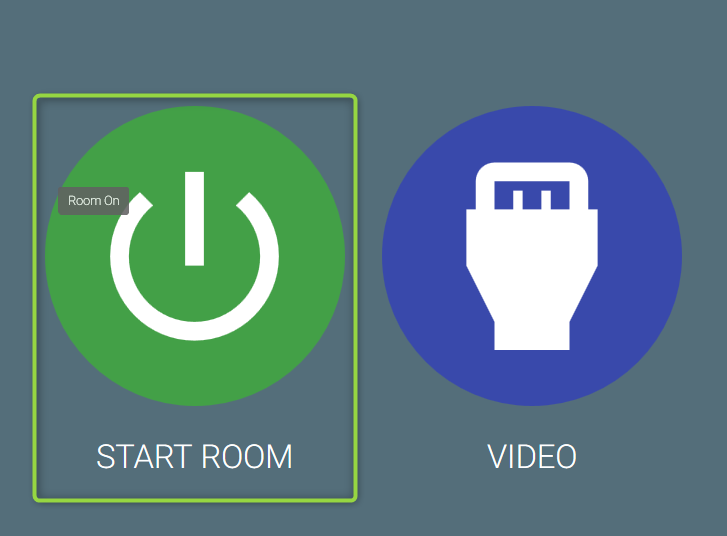
5. Click "Start Room"
6. Click on the camera source to get the remote to come up
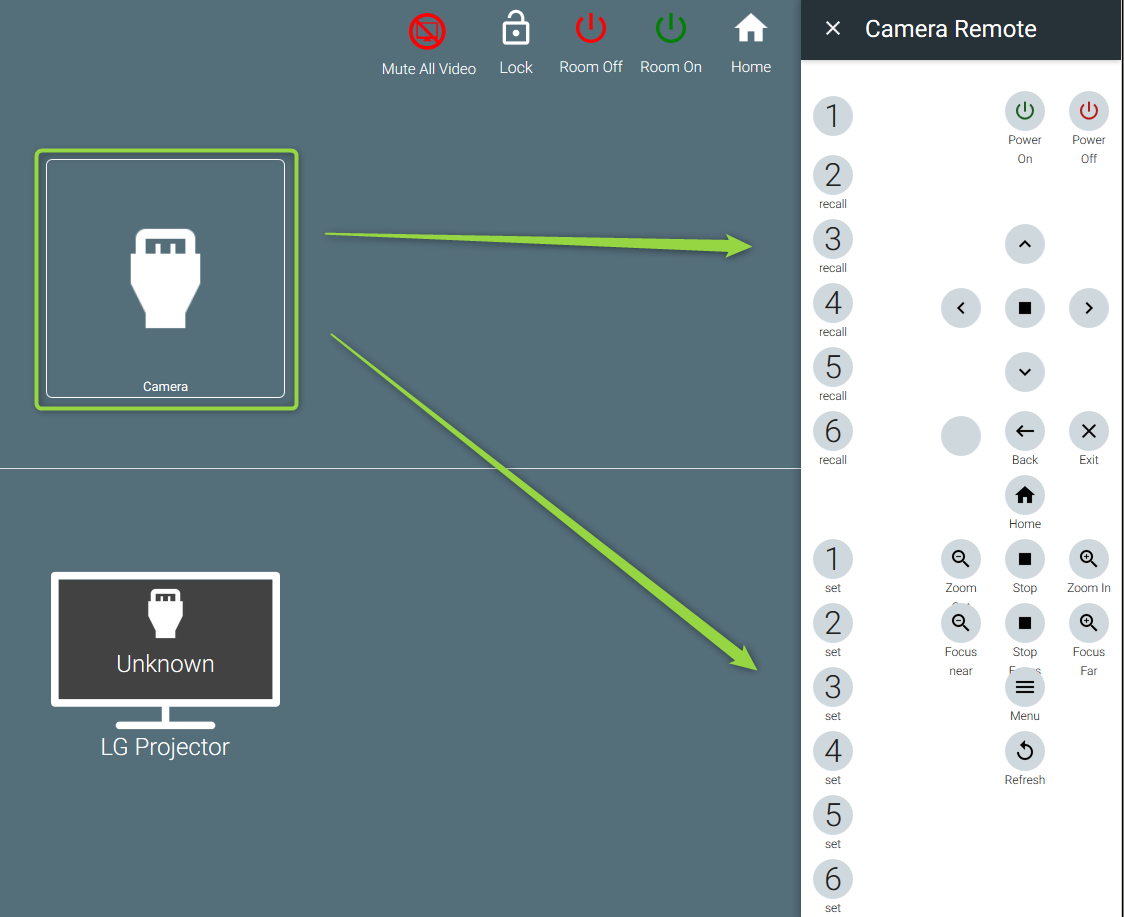
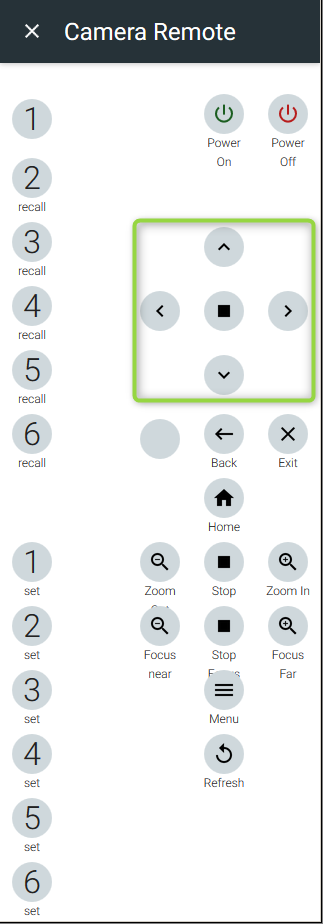
7. Adjust your HDVS-CAM to the desired position - (Including Zoom functions below)
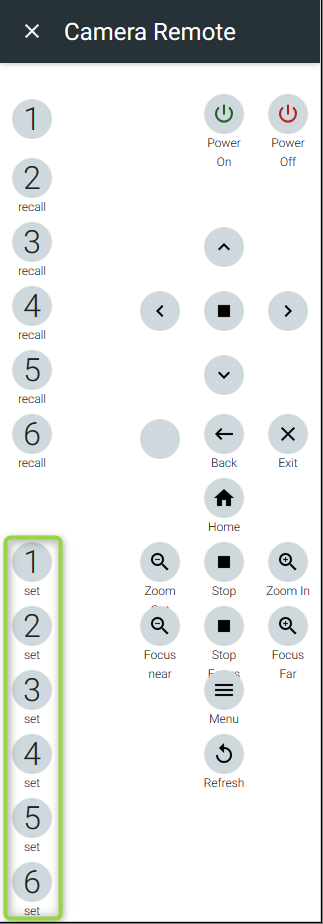
8. Set the HDVS-CAM preset by clicking the desired preset number
9. Recall your presets to test the positions previously set